
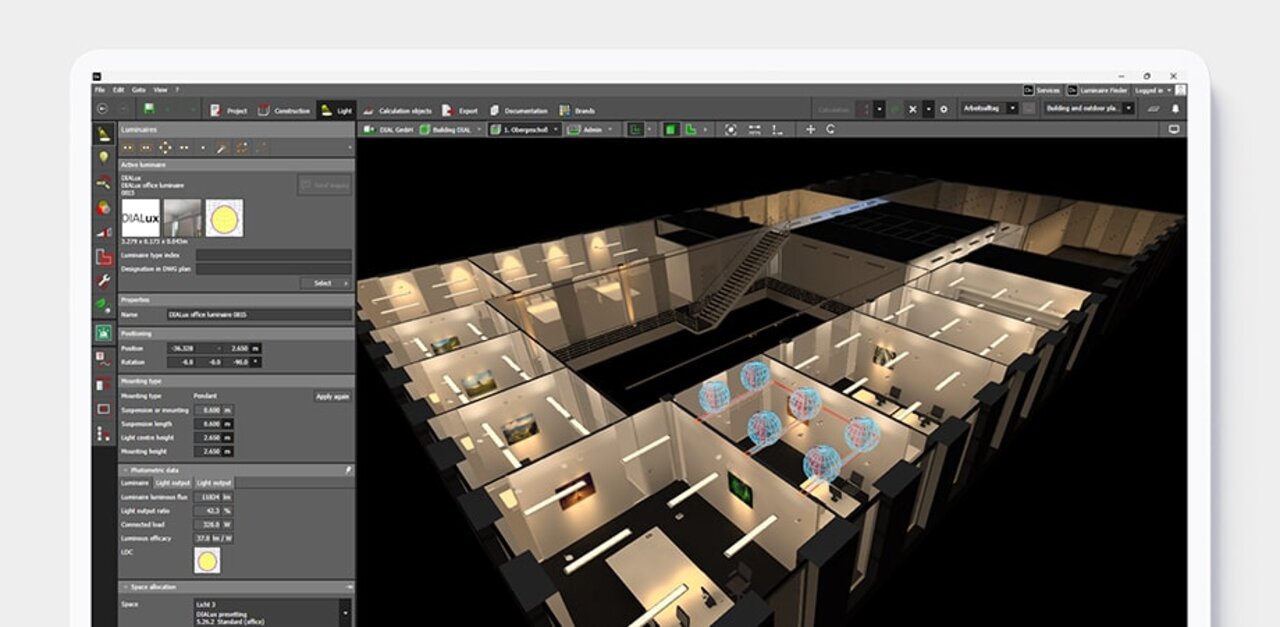
Lighting design made easy with DIALux
Design, calculate and visualise light for indoor and outdoor areas. With DIALux you can create individual rooms, multi-storey buildings, paths, car parks and streets. Use real luminaires provided by DIALux Members and bring your project to life.
Download free of charge DIALux Pro ↗





We simplify lighting design for you:
DIALux is the world's leading software for lighting design. Available in 27 languages,
free of charge and tailored to your needs.
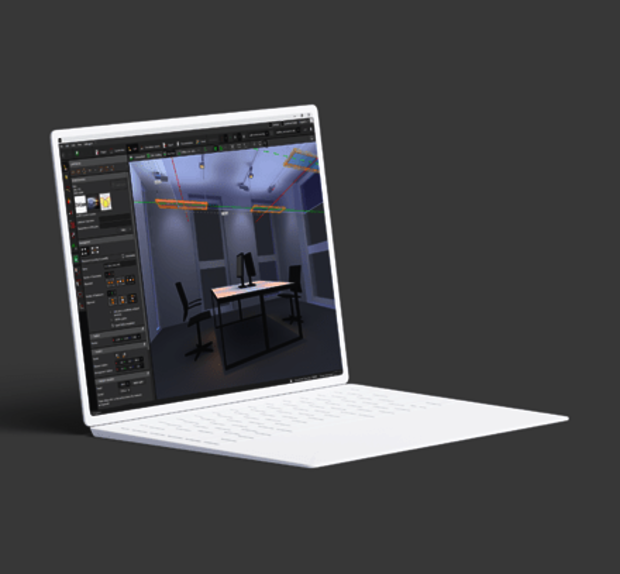
DIALux
Design, calculate and visualise indoor, outdoor, street and emergency lighting. Work with 2.5 million luminaires from our > 450 DIALux Members. The free version of DIALux evo gives you all the tools you need to create stunning lighting solutions.
Download Learn more →
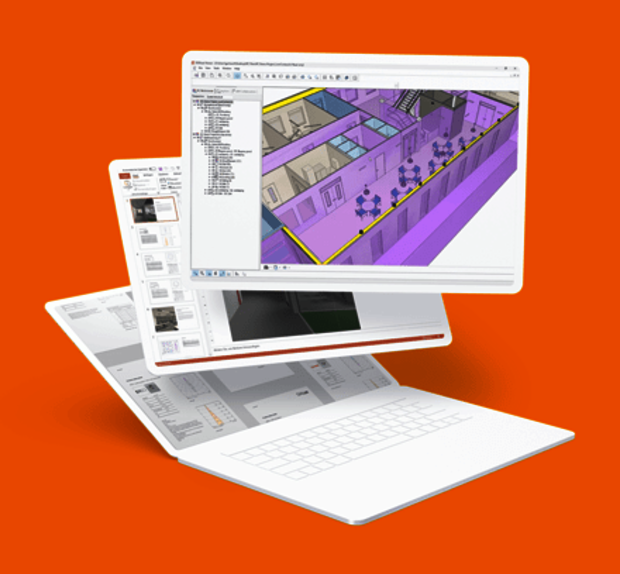
DIALux Pro
Discover the unlimited possibilities of lighting design with DIALux Pro. Our advanced version of DIALux evo is designed to speed up your workflow and increase your productivity. DIALux Pro supports you with a wealth of additional features and is constantly being expanded. Available to subscribe.
Buy now Learn more →
Trusted
750,000
DIALux Users
> 450
DIALux Members
27
Languages
News & Articles
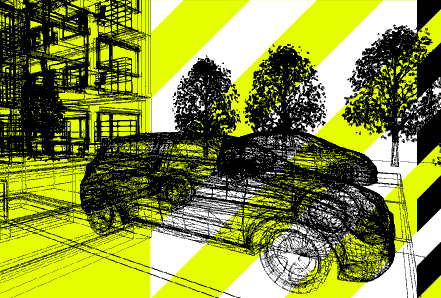
Better 3D models for your lighting design: What’s changing in DIALux evo 14.1
Whether you're furnishing an office, adding trees to an outdoor scene or placing cars in a car park, 3D objects help bring your lighting design to life.
DIALux evo 14.1: Combine IFC models and create custom skies
DIALux evo 14.1 is now available. The latest update makes working with multiple IFC files easier, gives you more control over luminaire names and lets you customise your project views with your own sky textures.
How will sustainability performance affect lighting design practice?
Embodied carbon, product lifespan and circularity broaden the focus beyond energy efficiency. What does this mean for lighting design? Ahead of IALD Enlighten Americas, Peter Roth shares his questions and invites designers to exchange practical experiences.